Your interior, restyled before you touch a thing.
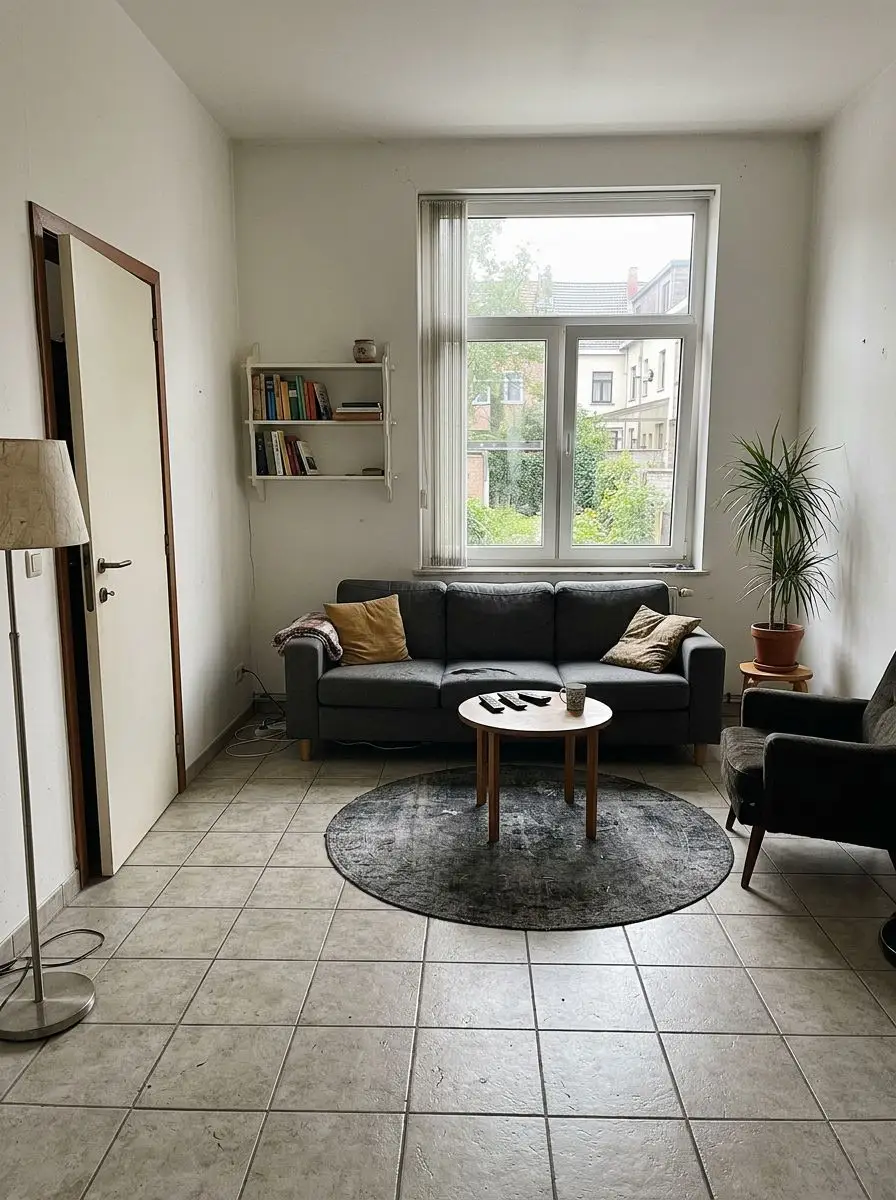
 Before
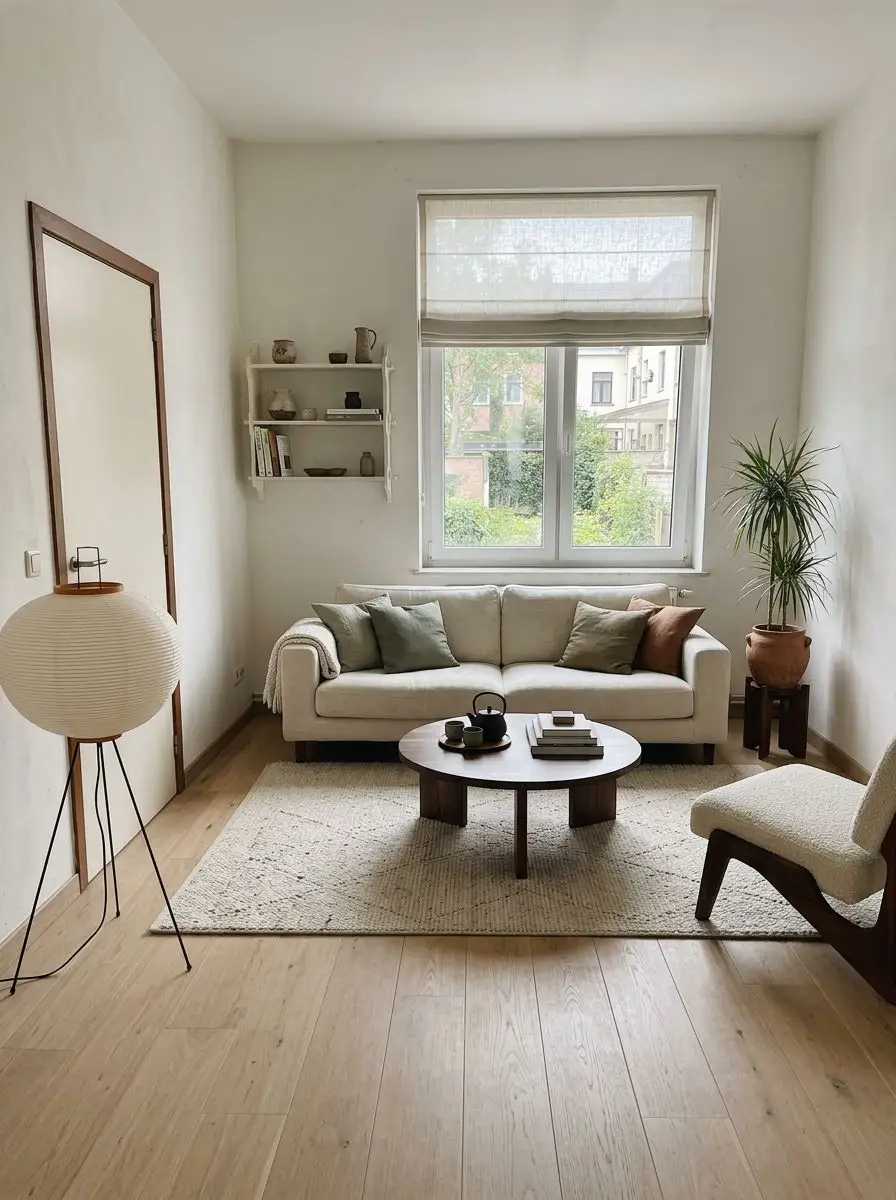
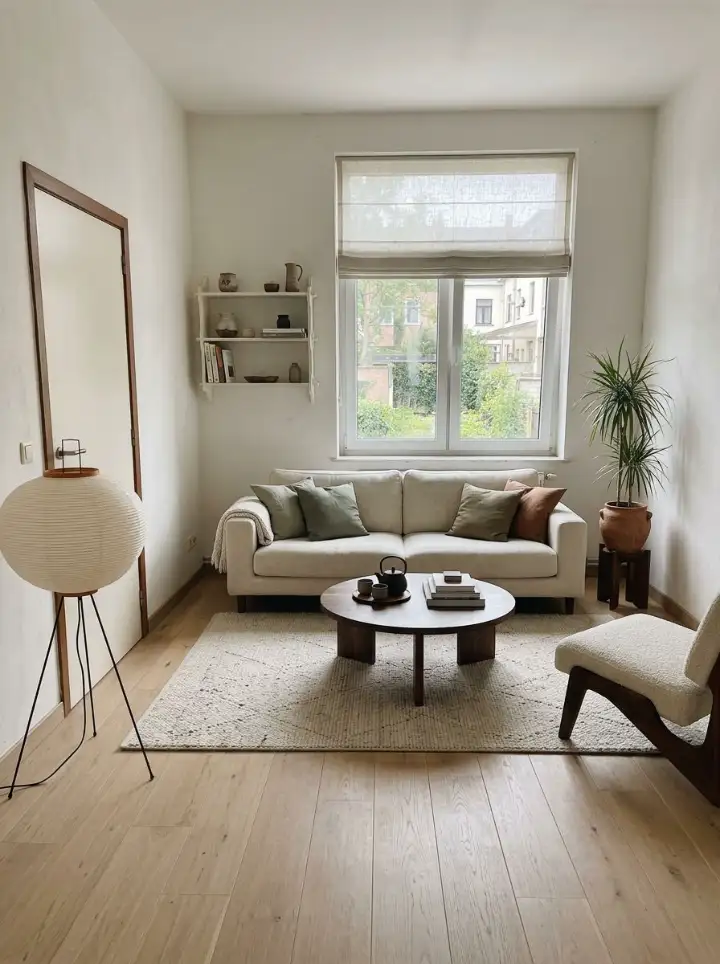
After · Japandi
Take a photo of your room, your facade or your garden. Deco Render shows it to you in another style and keeps the real structure of the place: the walls, the openings, the volumes.
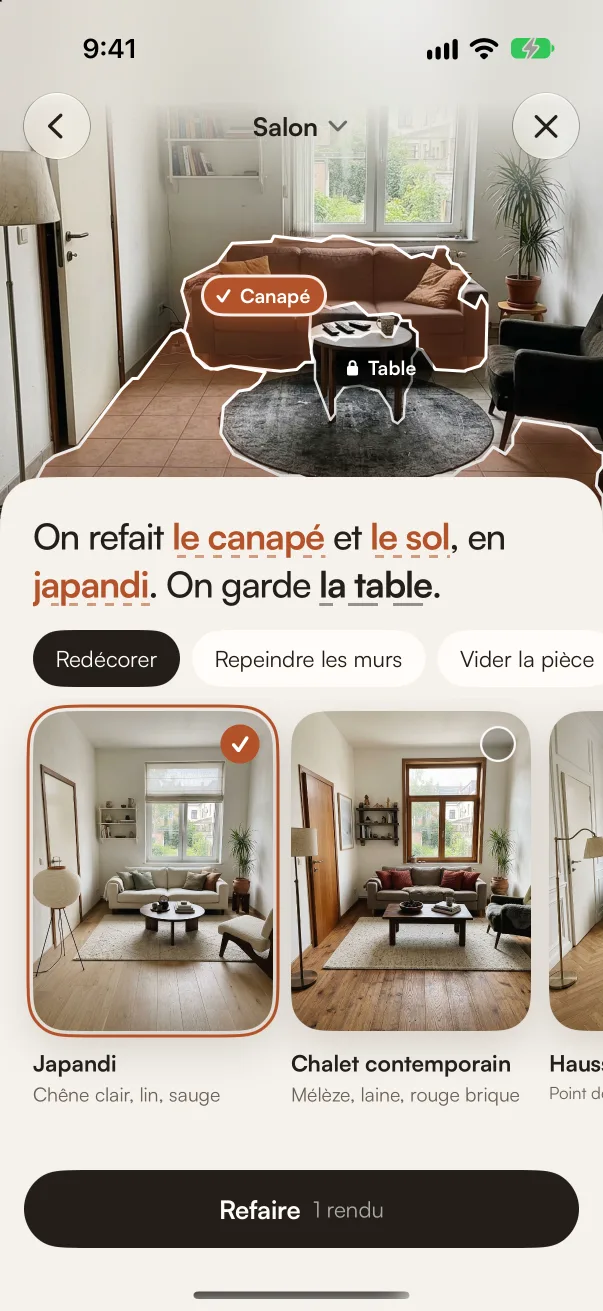
Tap what you redo. Hold what you keep.
Your photo is split into zones right on the iPhone: sofa, floor, walls, roof, lawn. You point, and the brief writes itself.
Always kept: Windows
Always kept: Doors
Redo the sofa and the floor, in Japandi style. Keep the table.
- Tap: redo it.
- Hold: keep it.
- Windows and doors always stay in place.
With the keyboard, Enter or Space moves an element from “to redo” to “kept”, then clears it.
These zones are the ones the app computes on its sample photo. Try it.
The render arrives. Compare, adjust, share.
Pick a style or simply a wall colour, start the render, then judge for yourself.
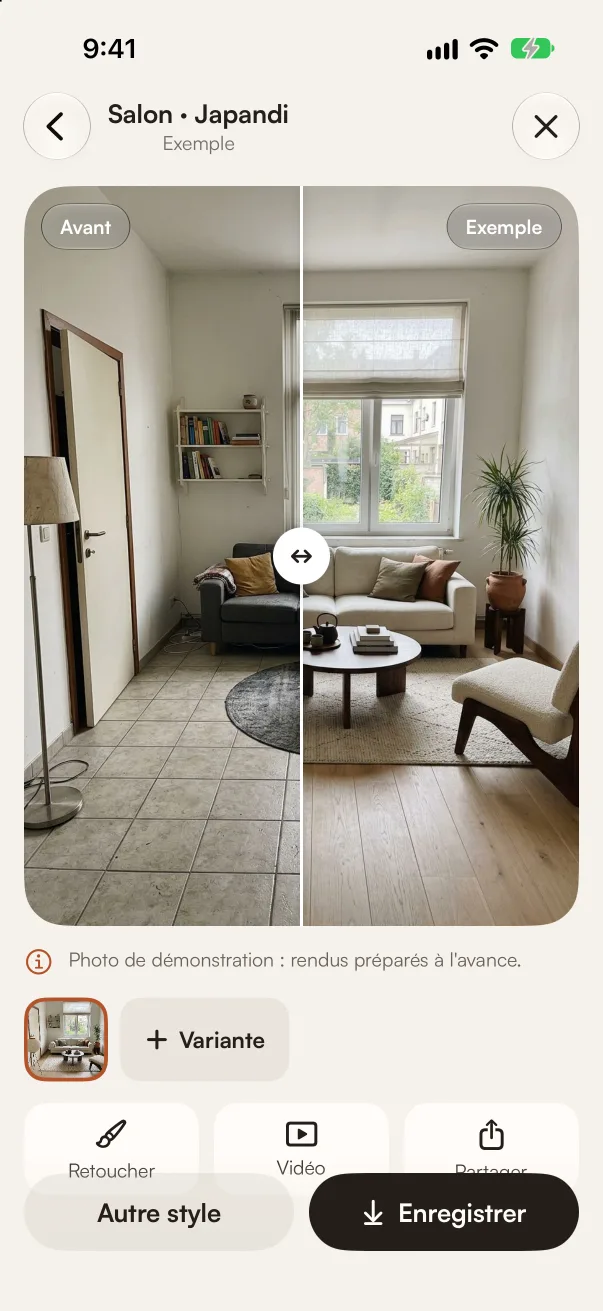
- Before and after
- Drag from side to side to compare the render with your photo.
- Variants
- Ask for another proposal: it is added to the previous ones.
- Retouch
- Change a single element, another model or another colour. Everything else stays put.
- Before/after video
- A vertical 9:16 clip made on the iPhone, ready to share.
- Export
- Save the image to Photos or share it.
Three spaces. The same place, differently.
Each series starts from a single photo. The room, the house and the plot stay the same: only the style changes.
Interior
Living room, bedroom, kitchen, bathroom, office, dining room, hallway.
- Redecorate
- Repaint the walls
- Empty the room
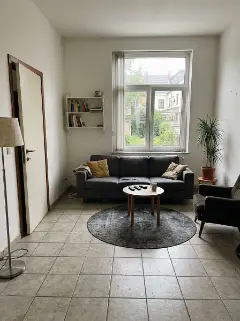 Before
JapandiPale oak, linen, sage 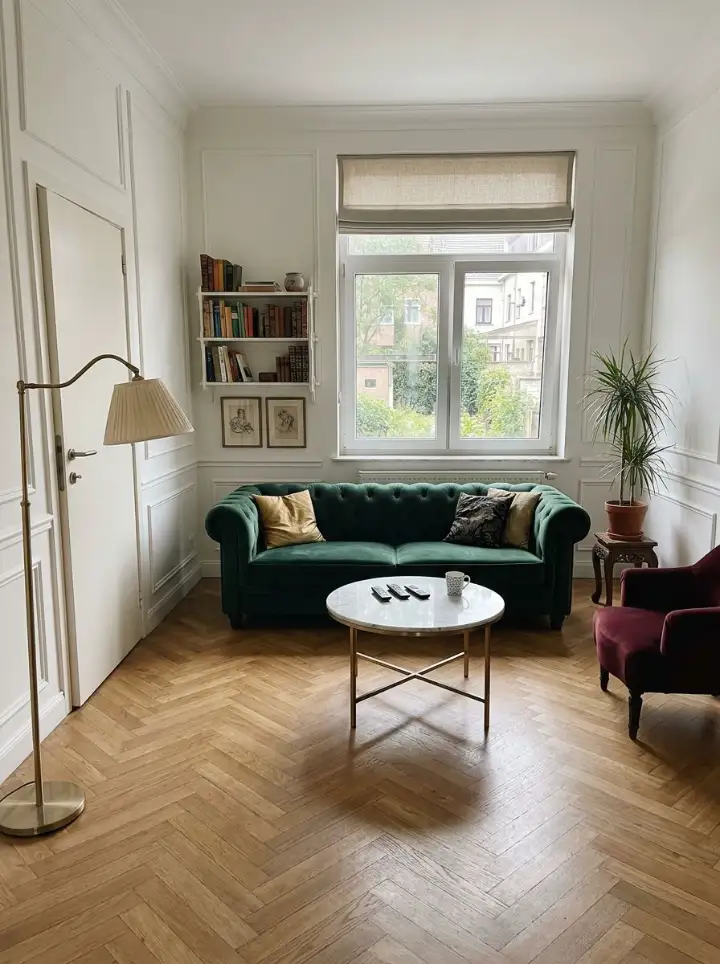
HaussmannHerringbone parquet, velvet, brass 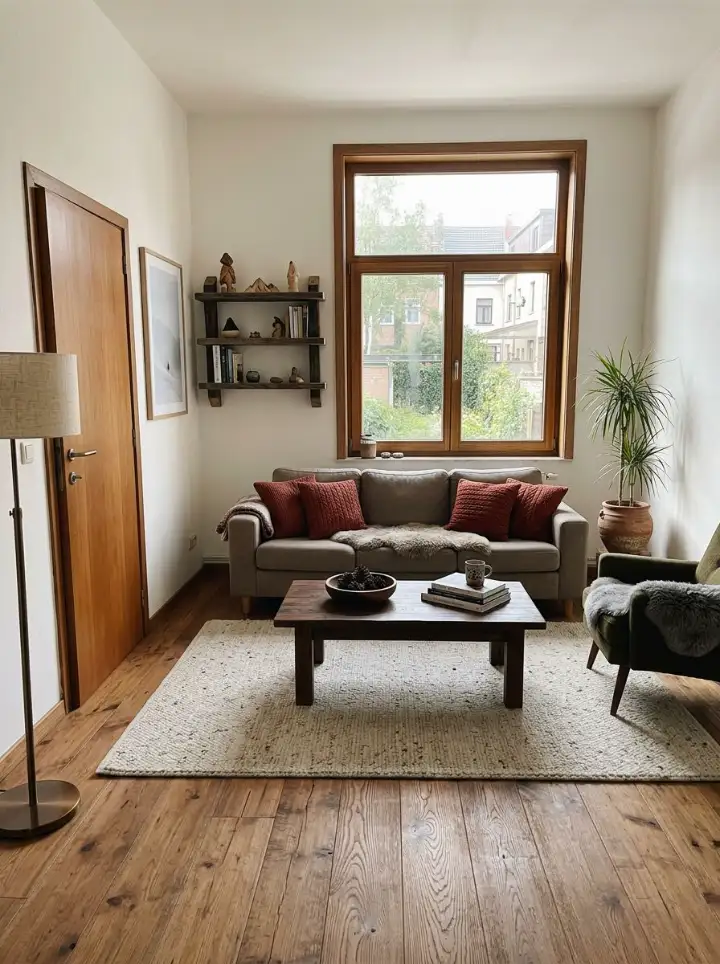
Contemporary chaletLarch, wool, brick red 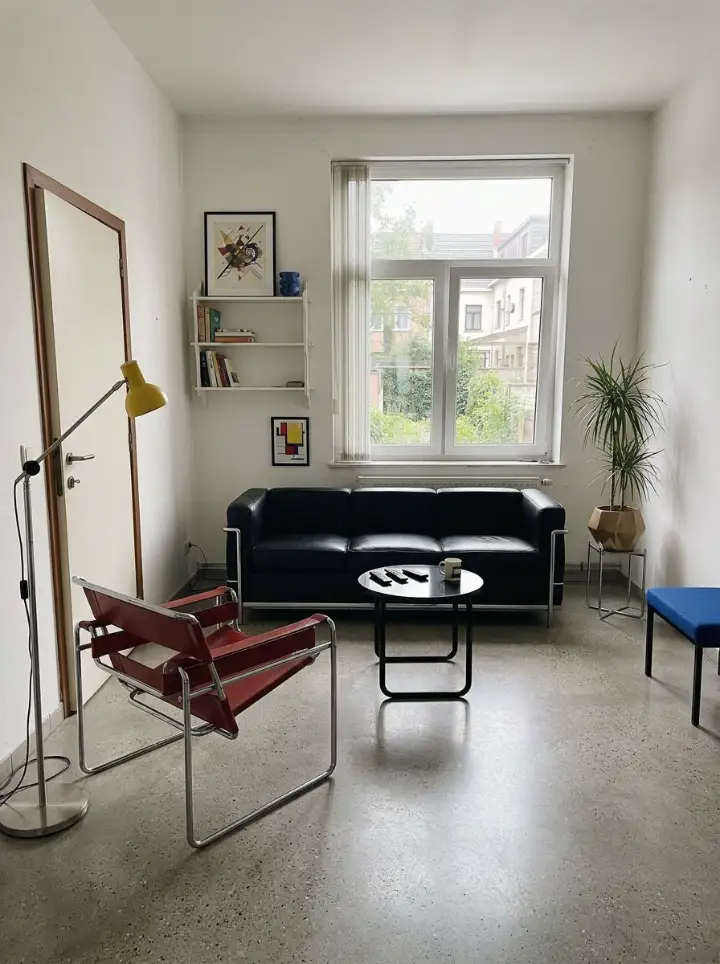
BauhausPolished concrete, steel, bold colours 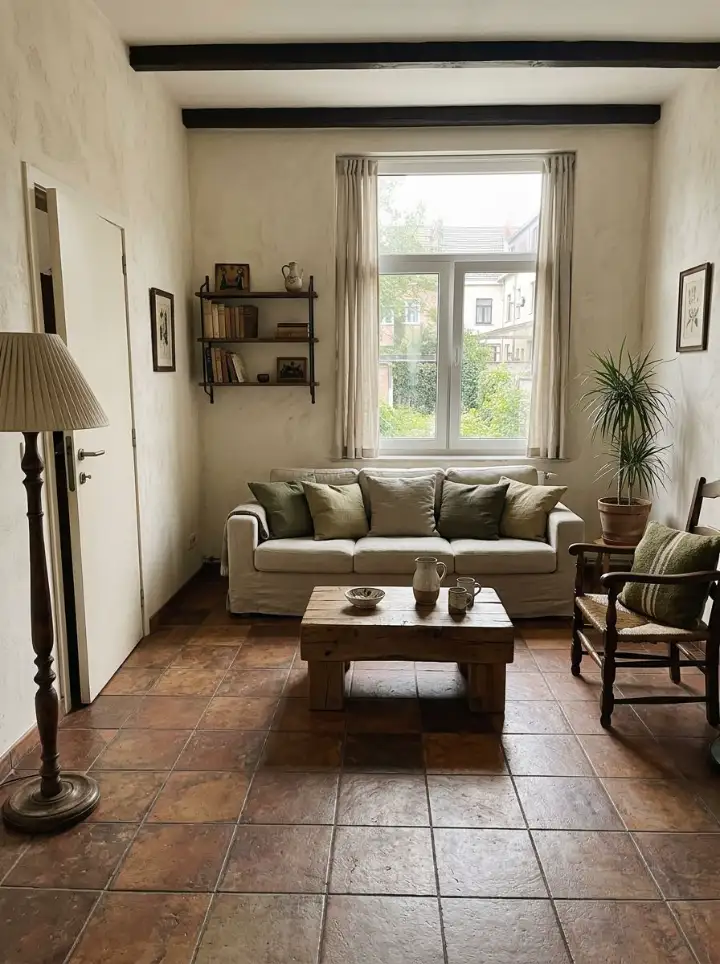
Vaud farmhouseLimewash, terracotta, old wood
Facade
House, apartment building, chalet, farmhouse.
- Renovate the facade
- Repaint the facade
- Add greenery
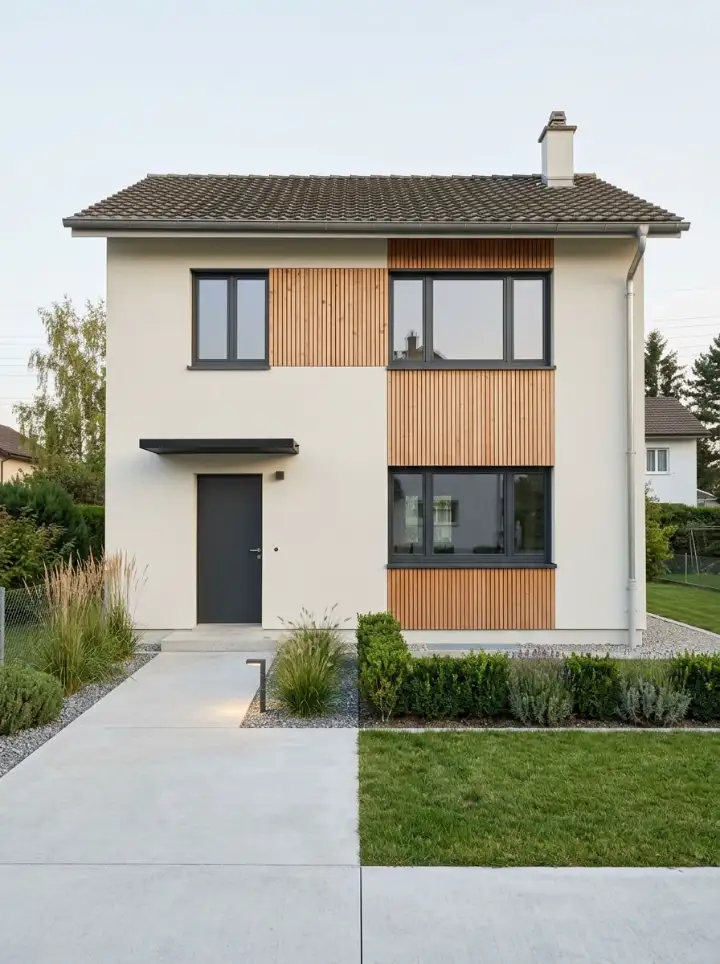
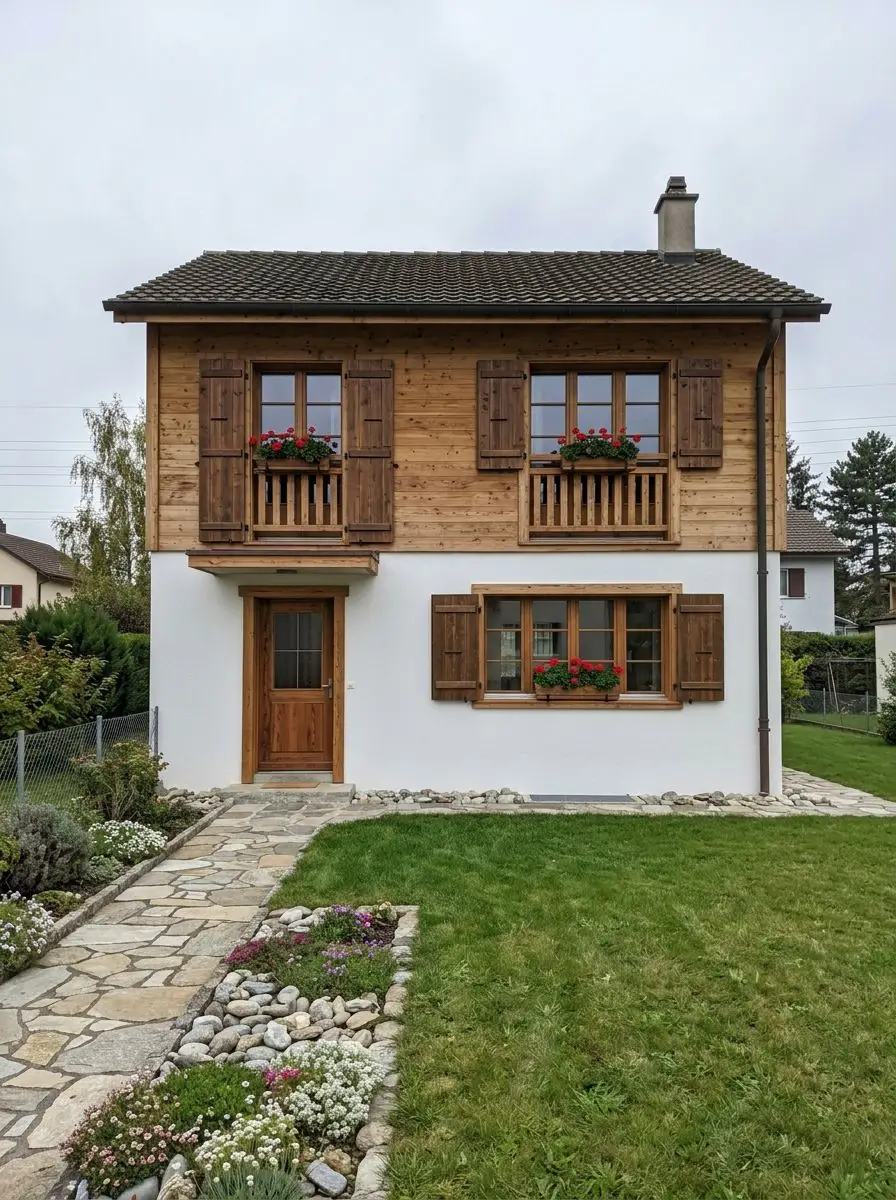
 Before
ContemporaryPale render, larch, anthracite frames 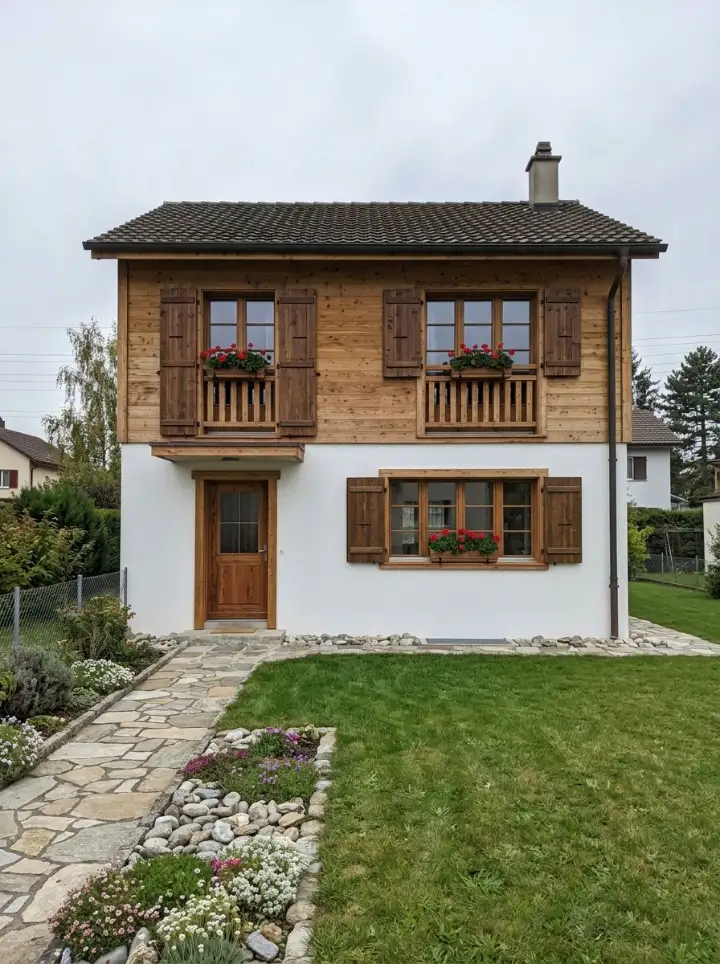
Alpine chaletSpruce, wooden shutters, geraniums 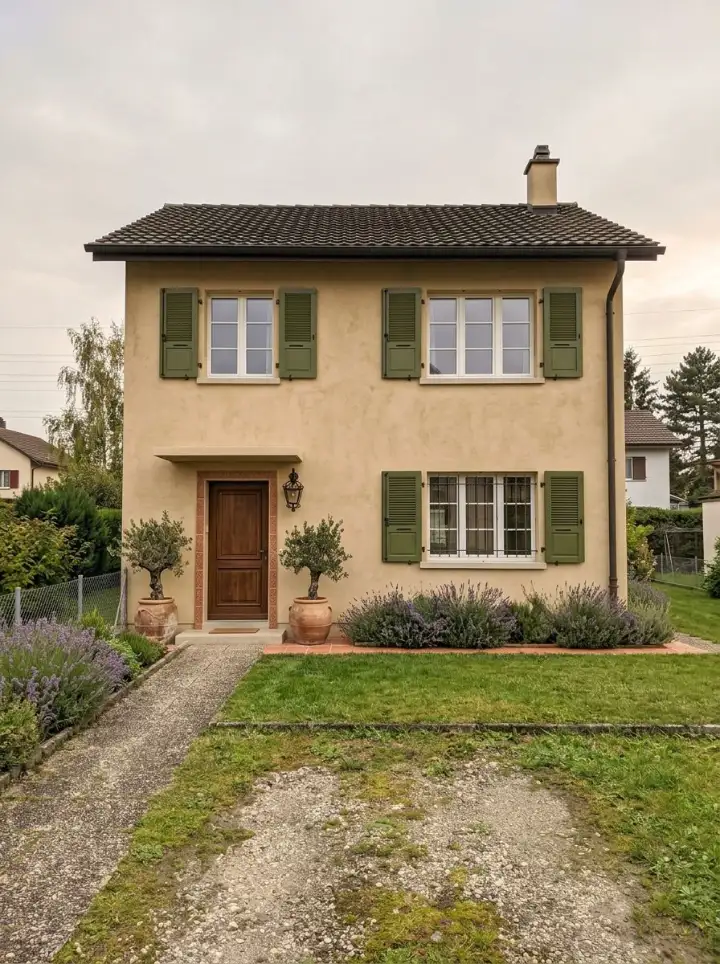
MediterraneanSand limewash, olive shutters, olive trees 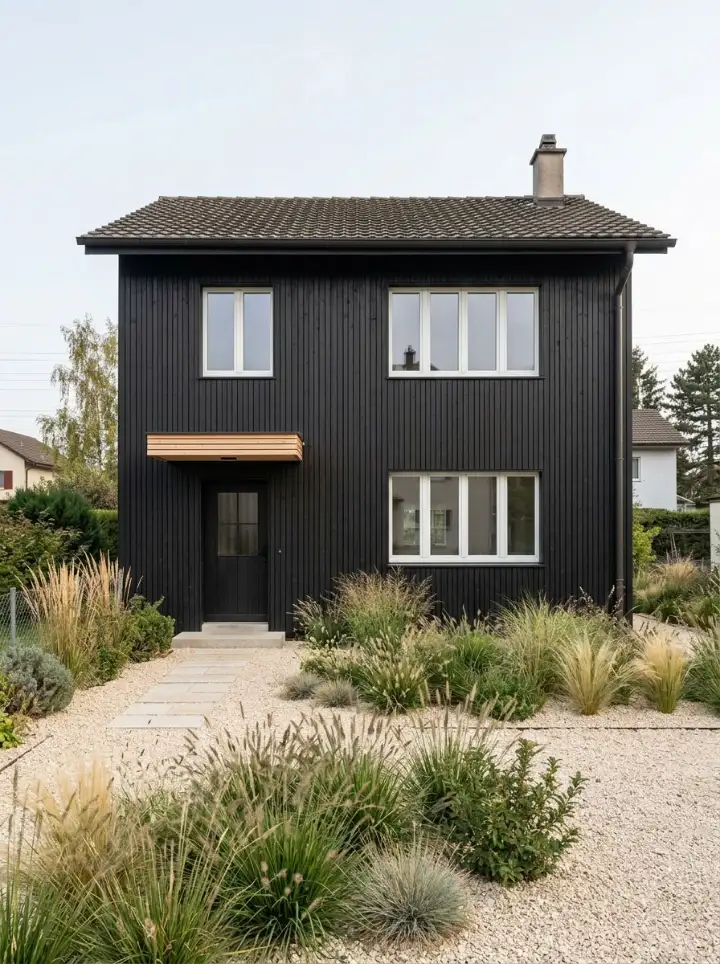
ScandinavianBlack cladding, white frames 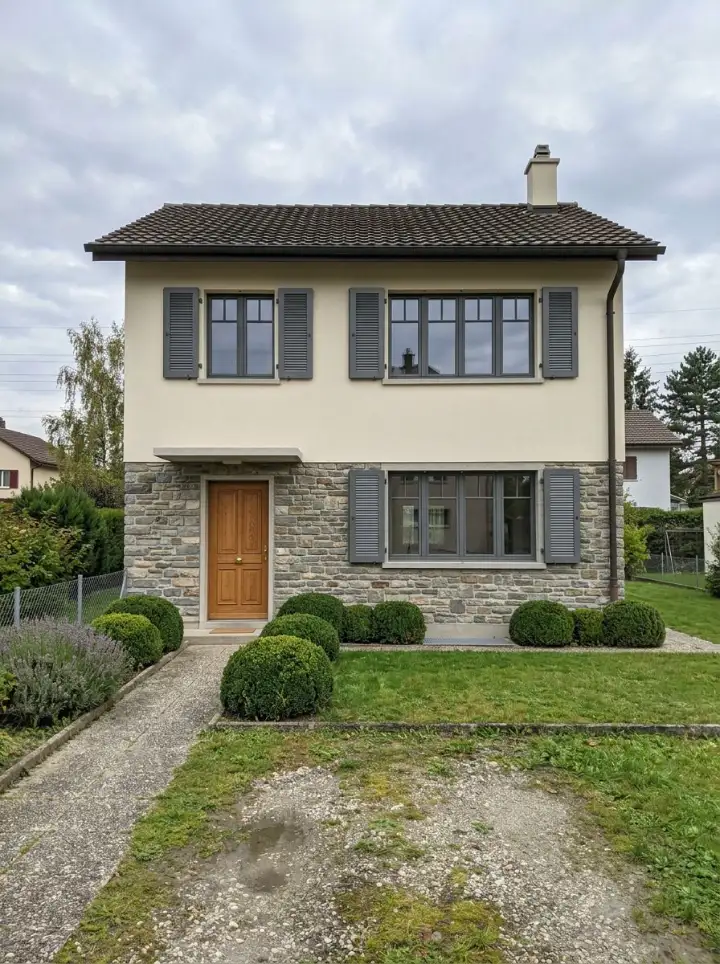
Stone and oakNatural stone, oak door
Garden
Garden, terrace, balcony, courtyard.
- Landscape
- Start from scratch
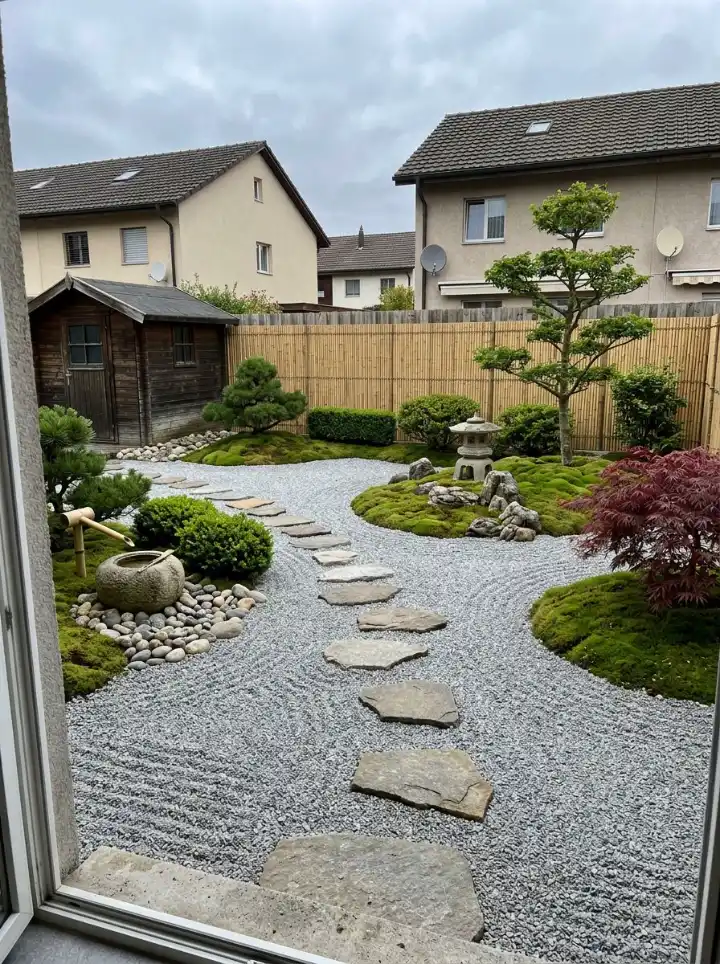
 Before
JapaneseGravel, moss, maple 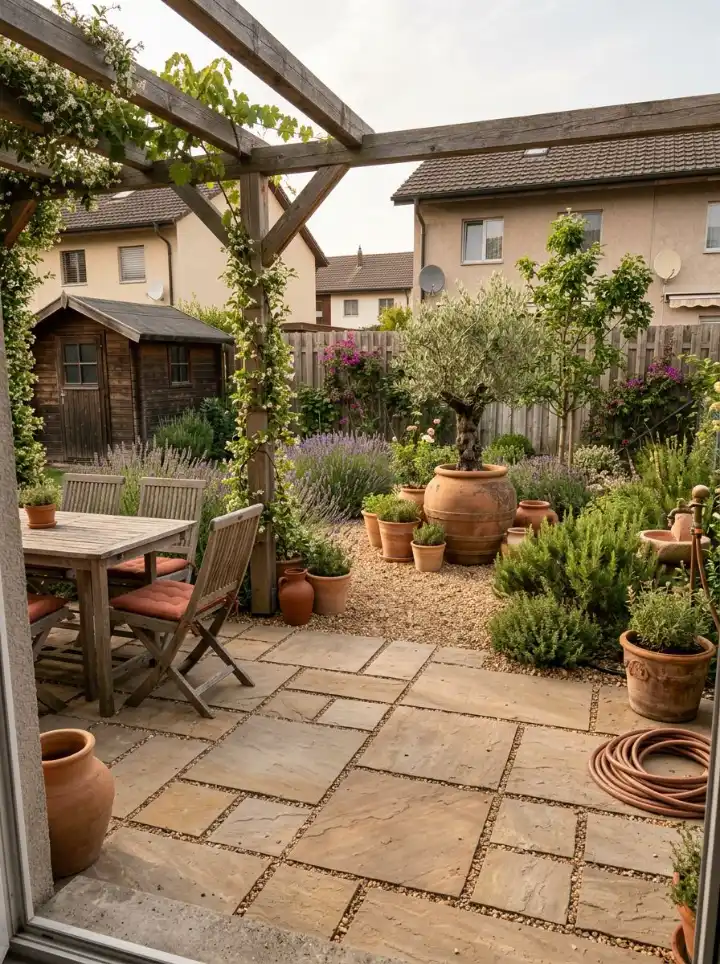
MediterraneanOlive tree, lavender, pergola 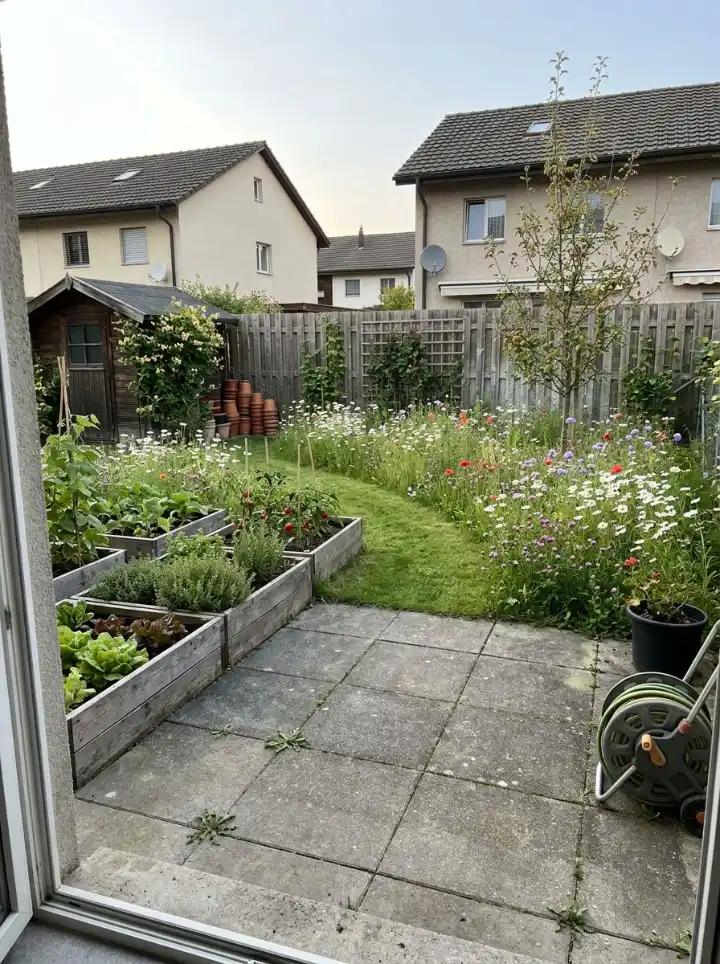
Kitchen garden and meadowTimber beds, wild flowers 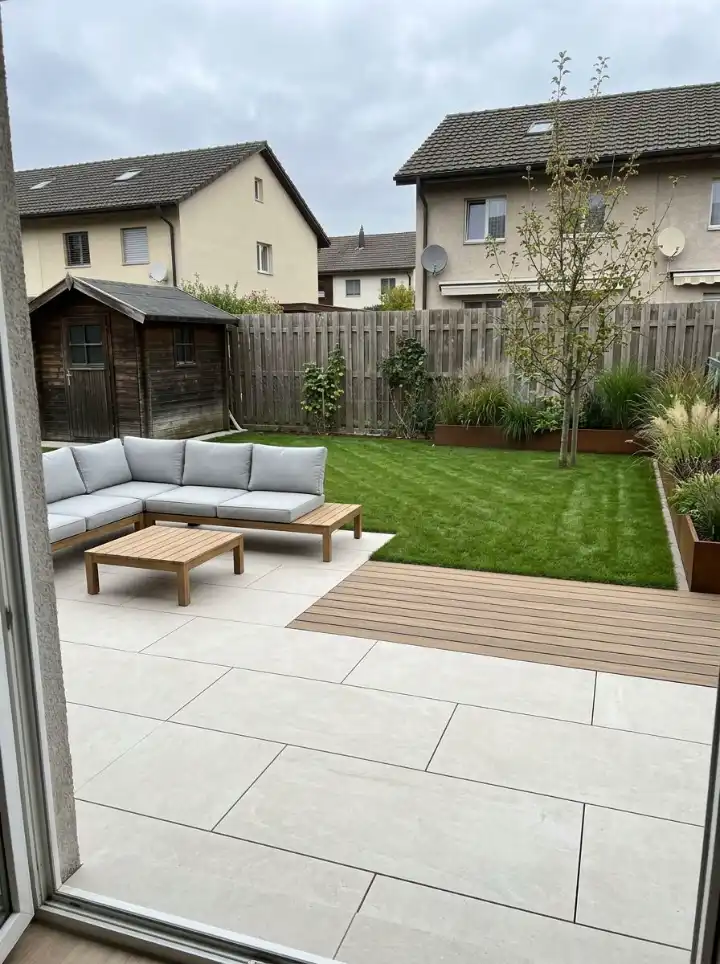
ContemporaryPale slabs, deck, grasses 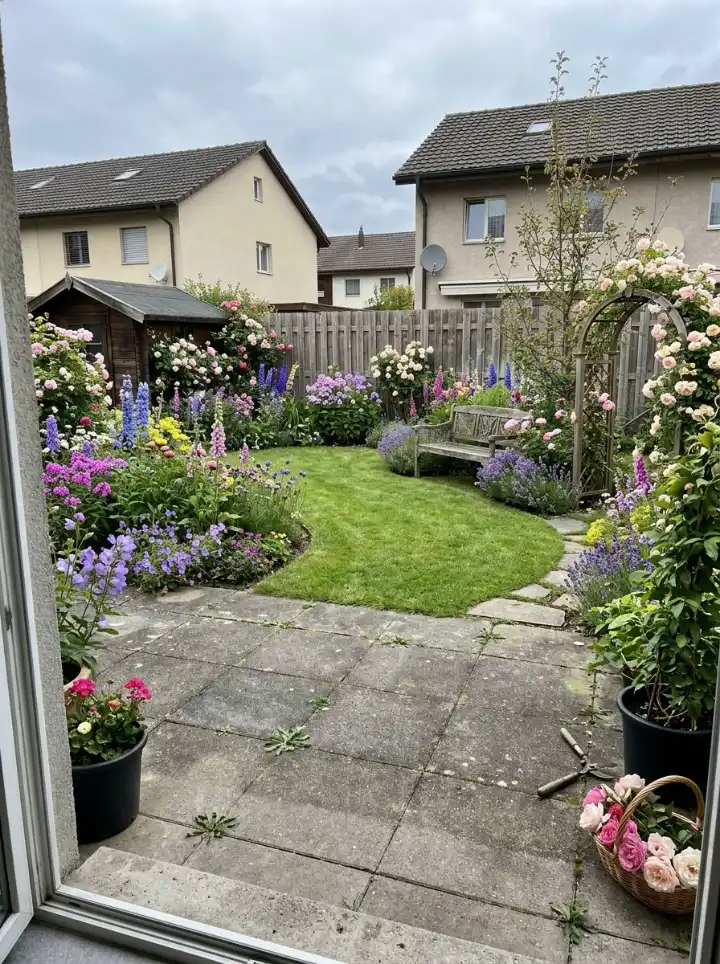
English cottageFlower borders, roses, bench
Scan the room. Walk away with its floor plan.
With the iPhone’s LiDAR sensor, Deco Render measures the walls, doors, windows and furniture in about a minute. Everything is computed on the device.
- Dimensioned planThe walls, the openings and their dimensions, seen from above.
- 3D modelThe room in 3D, which you can spin with a fingertip.
- QuantitiesFloor area, wall paint, skirting boards, ceiling height.
- Indicative budgetA range computed from the quantities and from sample prices, to be confirmed by a tradesperson.
- PDF reportPlan, quantities, budget and before/after comparison, in a single document to send.
3D scanning requires an iPhone with LiDAR (Pro models, from iPhone 12 Pro) and is for interiors. Without LiDAR, a sample room that has already been measured lets you browse the plan and the budget.
Video tour
Film it, see it redone. This feature is in preparation: it is not available in the app yet.
3 free renders, then Pro.
Deco Render Pro is a yearly or weekly subscription. No free trial that turns into a subscription.
Subscriptions renew automatically and are managed in your Apple account settings, where you can cancel at any time. Prices are shown in the app before any purchase. Details are in the terms of use.
What leaves your iPhone: the photo to transform and its brief.
No account to create, no ads, no trackers.
Stays on your iPhone
- Reading the photo
- Splitting the photo into zones and recognising the type of room are done by on-device models. Nothing is sent for this step.
- The 3D scan
- Measurements, plan, quantities and budget are computed on the device.
- Your projects
- Your photos, renders and plans stay in the app, on your device. Deleting the app erases them.
Leaves your iPhone
- For a render
- The image to transform and the style brief go to the image generation provider, only to produce the image.
- For a purchase
- The subscription is paid through Apple. Deco Render never sees any payment data.
See it before you do it.
Coming soon to the App StoreFor iPhone, iOS 17 or later.
 Before